
OS-level app blocking
Keep chosen distractions unavailable throughout your study session.
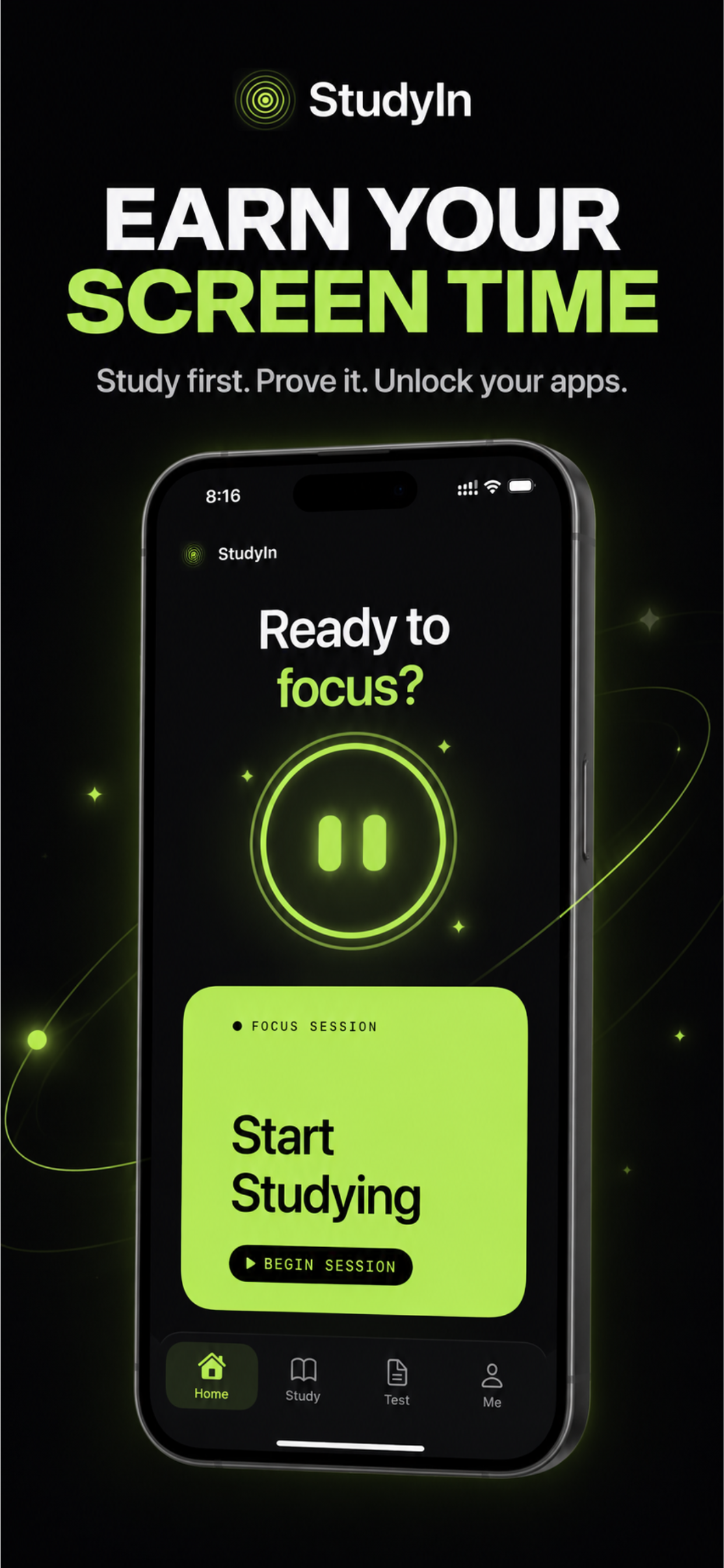
Study, Quiz, Earn Screen Time
StudyIn: SAT/ACT App Blocker blocks distracting apps while you study, then makes you prove you've actually learned something before giving them back.

The problem
You've already set the limit.
You've already pressed “15 More Minutes.”
You've already pressed “Ignore Limit.”
Every blocker eventually gives you an out. StudyIn doesn't.
How it works
Choose the apps that distract you while studying.
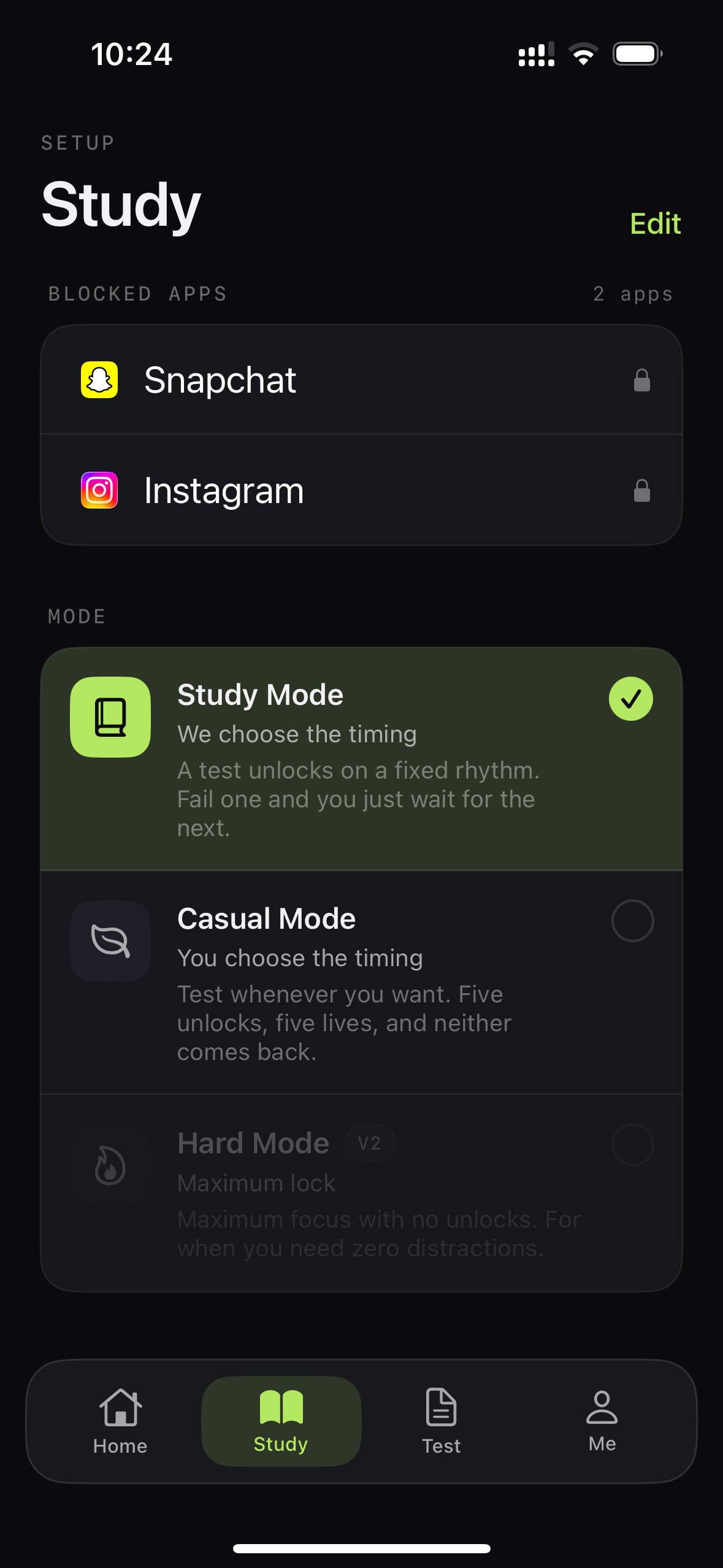
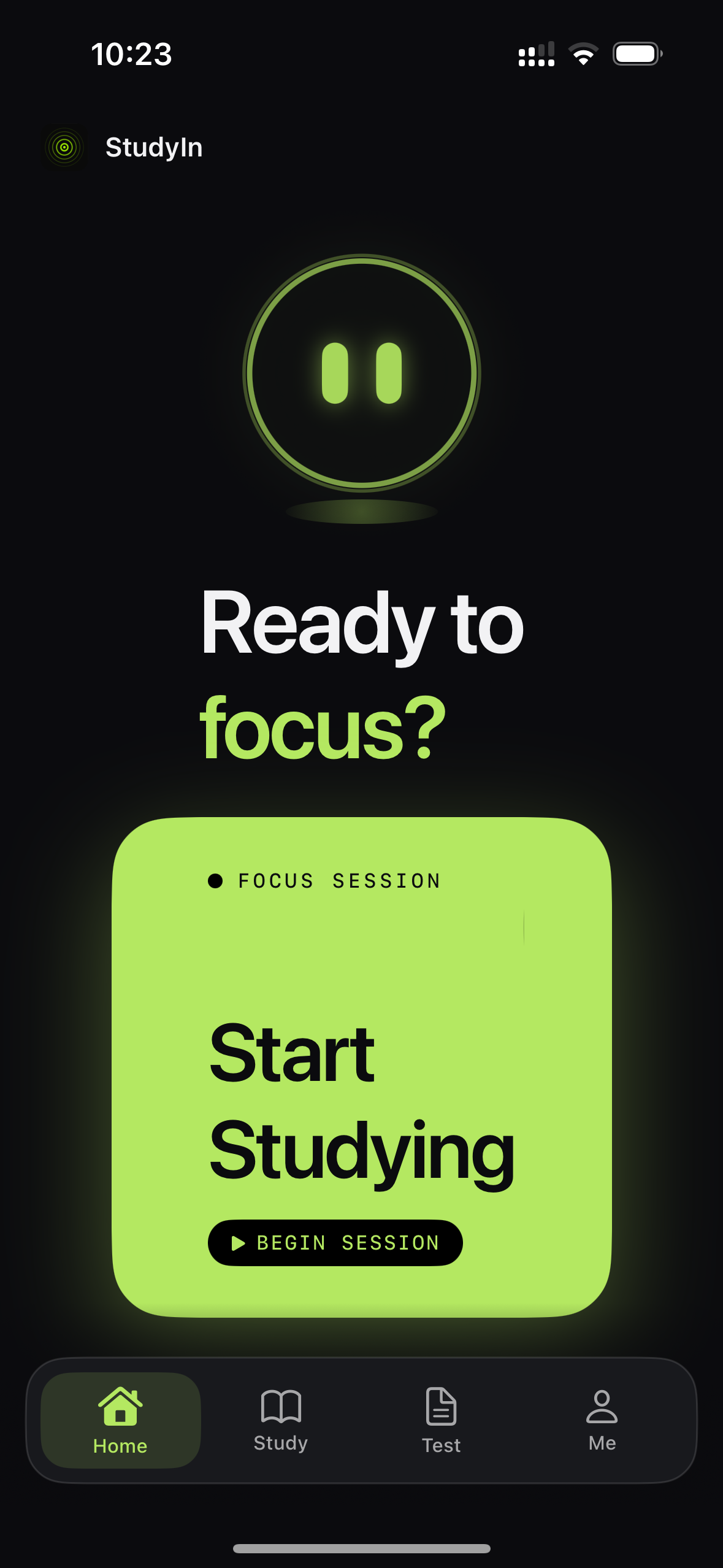
Start a focused study session.
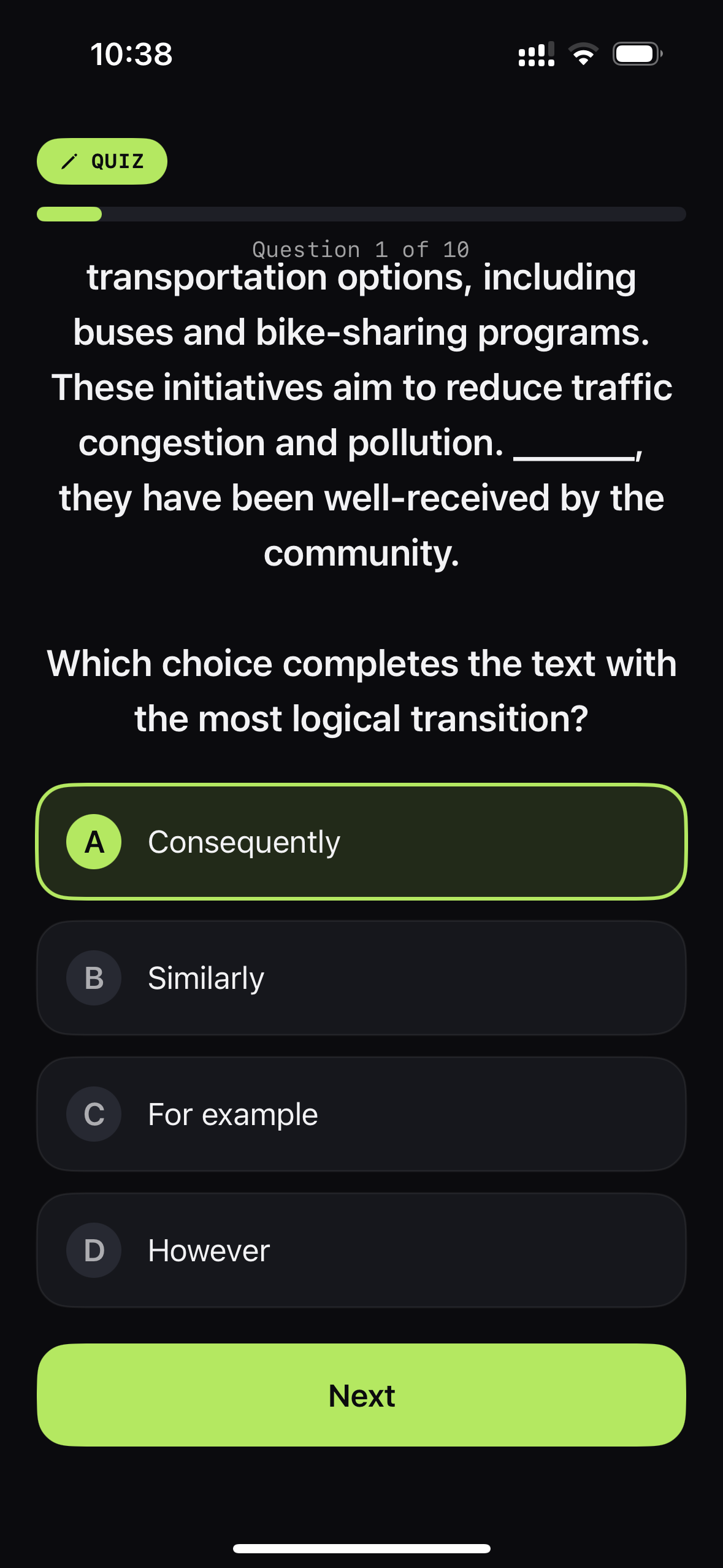
Answer module-specific questions from your actual exam.
Pass to unlock your chosen apps for a limited period. Fail, and they remain blocked.
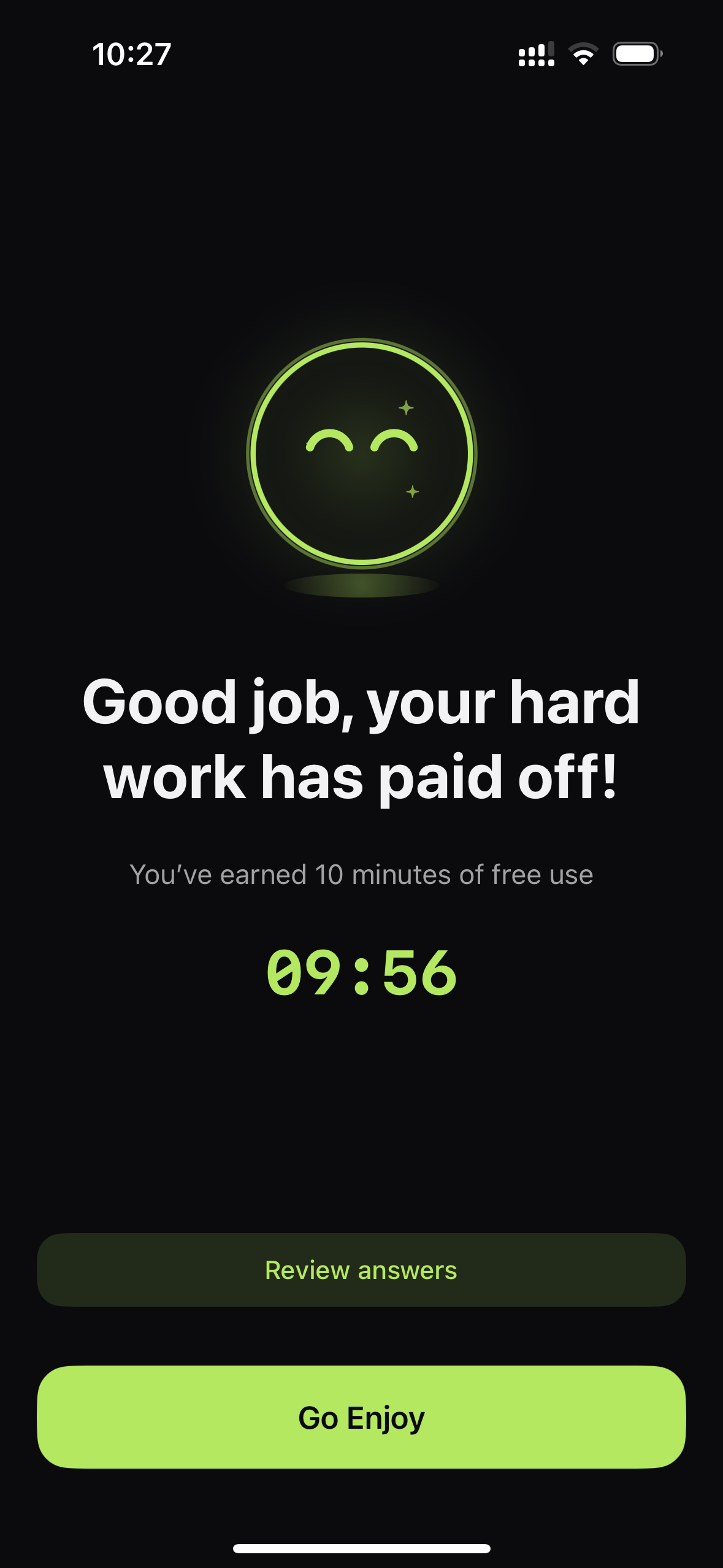
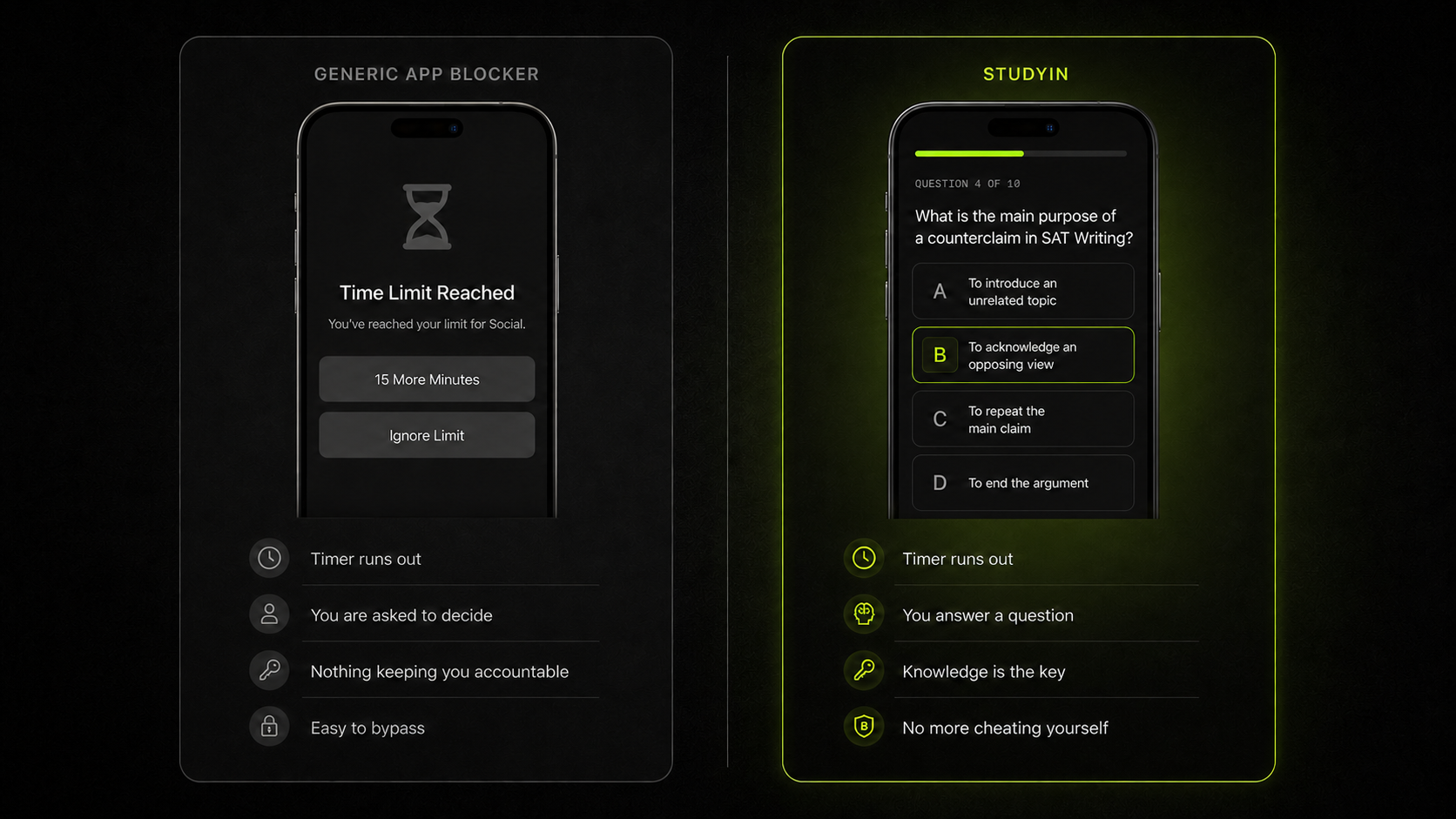
You can talk yourself into fifteen more minutes.You can't talk yourself into knowing the answer.
Built for real studying
Keep chosen distractions unavailable throughout your study session.
Unlock access by answering questions tied to supported exam material.
Questions adjust as your understanding develops.
See progress build across the topics that matter for your exam.
Missed questions return so weak spots do not quietly disappear.
Choose what to study, how long to focus, and which apps are held back.
Built for your exam
StudyIn's knowledge gate uses material tied to the exam in front of you.
 Available
 Available
English, Math, and Reading are available.
ACT English includes:
The science
StudyIn draws on research into distraction reduction, retrieval practice, adaptive challenge, spaced repetition, and earned rewards.
A randomized trial found that blocking mobile internet on smartphones can improve sustained attention. But students also rely on their phones for studying. StudyIn takes a selective approach, blocking the functions that distract while keeping the focus on what helps you learn.
Retrieving an answer from memory strengthens long-term learning more effectively than simply reading it again. By completing a quiz on the same topic you have been working on, you are both reinforcing your learning and proving that you have been studying.
Practice can be more useful when the difficulty stays challenging without making successful retrieval unlikely. StudyIn uses an adaptive difficulty algorithm to show you the questions best suited to your current level of learning.
Spaced retrieval can help knowledge last beyond a single study session. StudyIn resurfaces previously seen questions to reinforce learning and strengthen understanding.
Pairing something you want with something you should do can make the “should-do” behaviour more likely. This is called temptation bundling, a principle that StudyIn’s “Earn Your Screen Time” mechanism mirrors. The activity you want — screen time — sits on the other side of the activity you need to do — studying.
The product
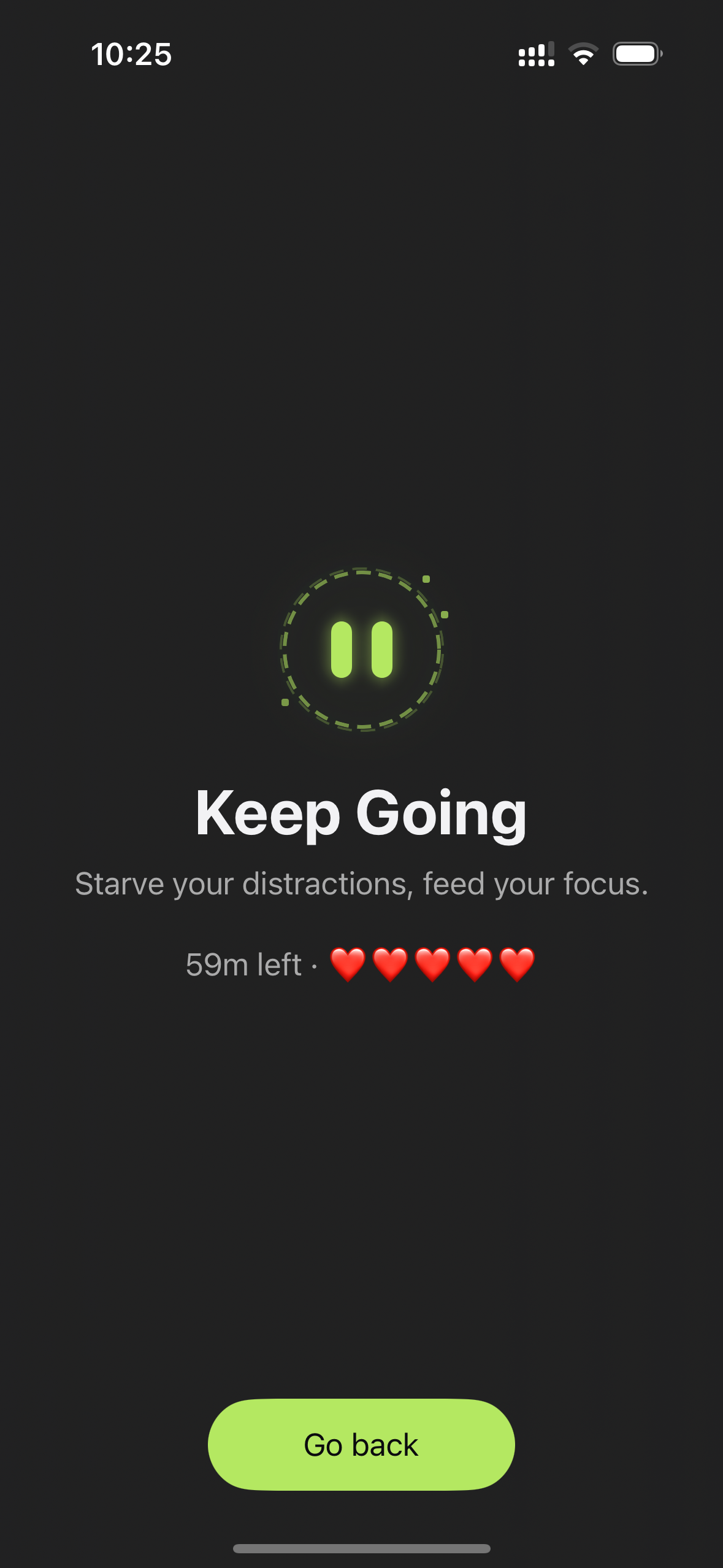
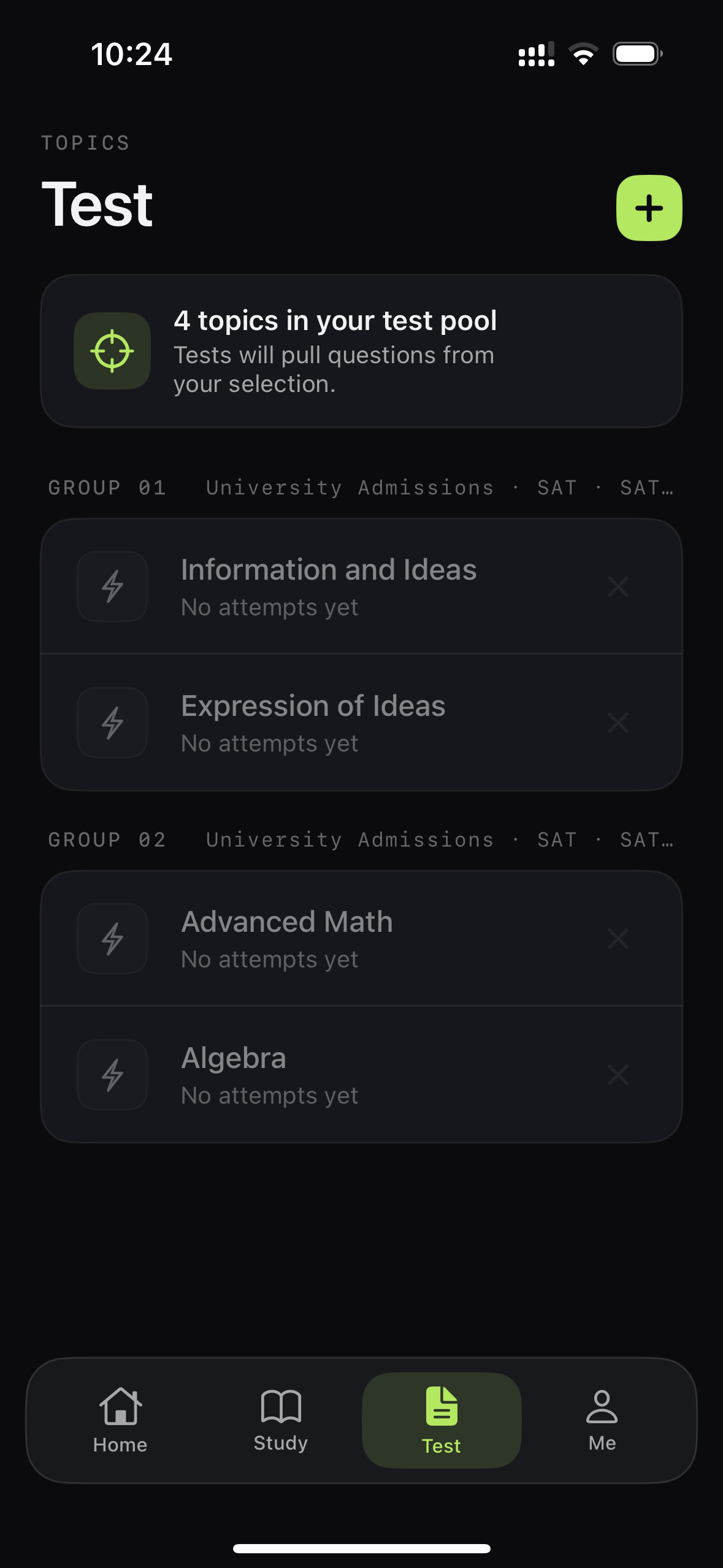
Study, Quiz, Earn Screen Time
Spend less time negotiating with your phone and more time improving your test score.
Download on the App Store