How it works
Study, Quiz, Earn Screen Time
StudyIn puts your distractions behind exam questions. Unlock screen time only if you get them right.
Step 1
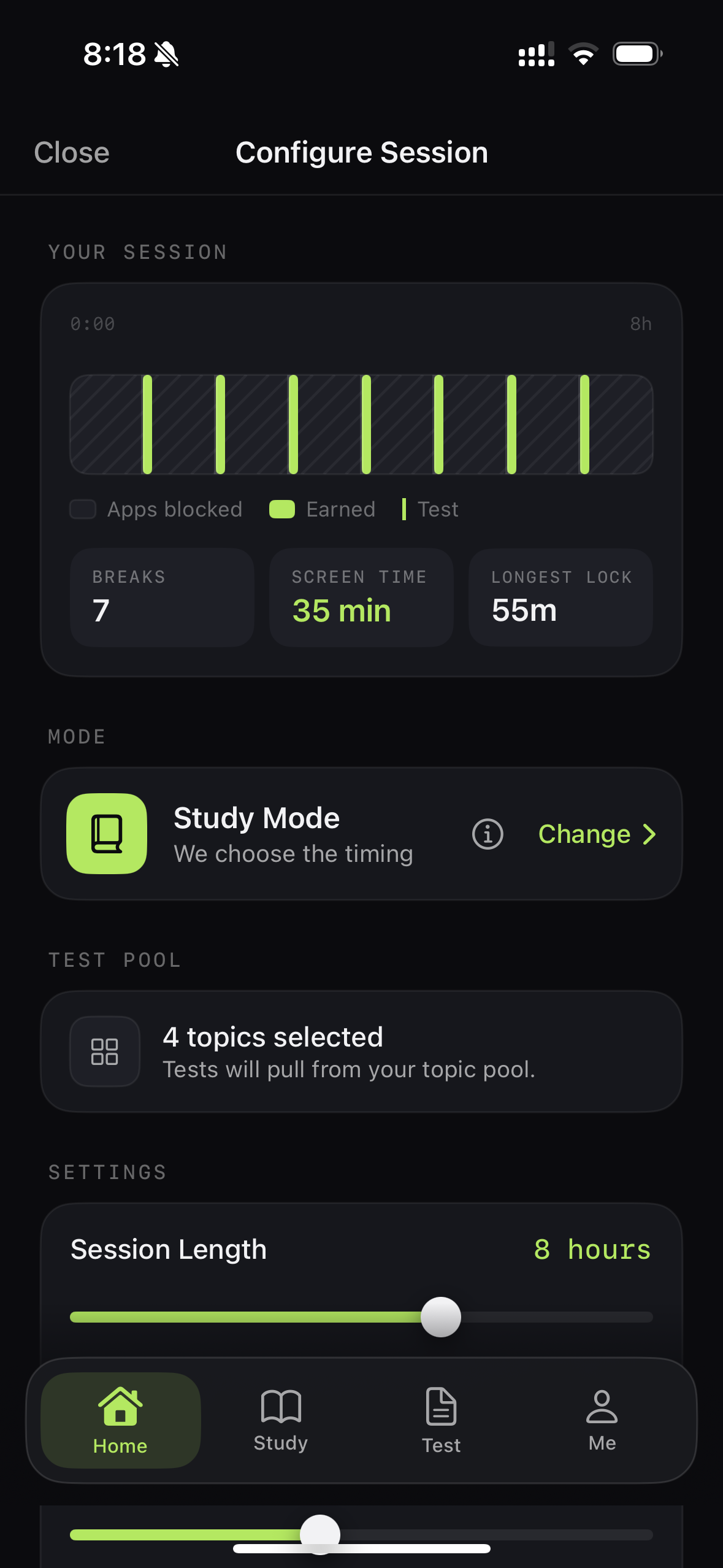
Choose the apps that have you scrolling for hours.
Pick the apps that normally pull you away from studying. StudyIn uses Apple's Screen Time framework to shield the apps you choose.
Choose the distractions. Keep everything else available. Step 2
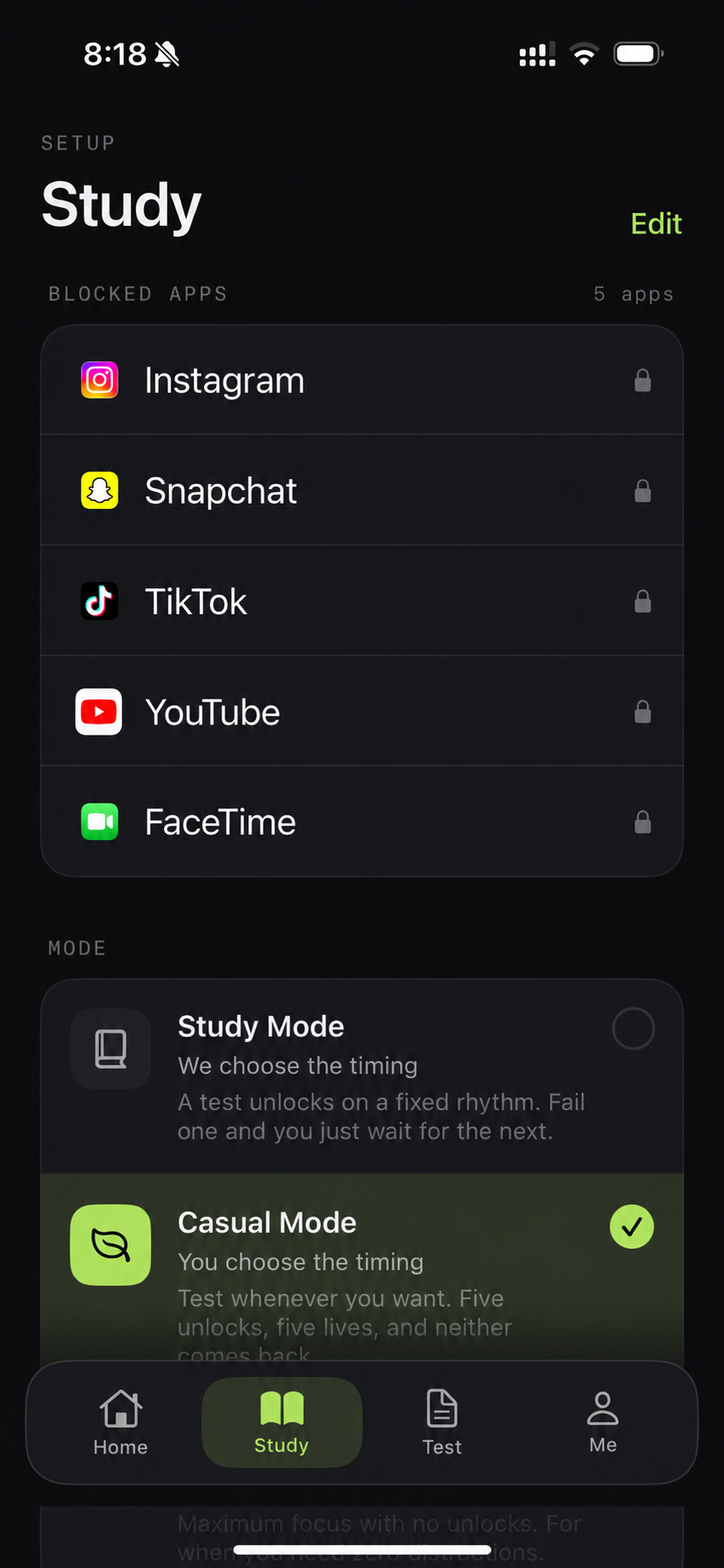
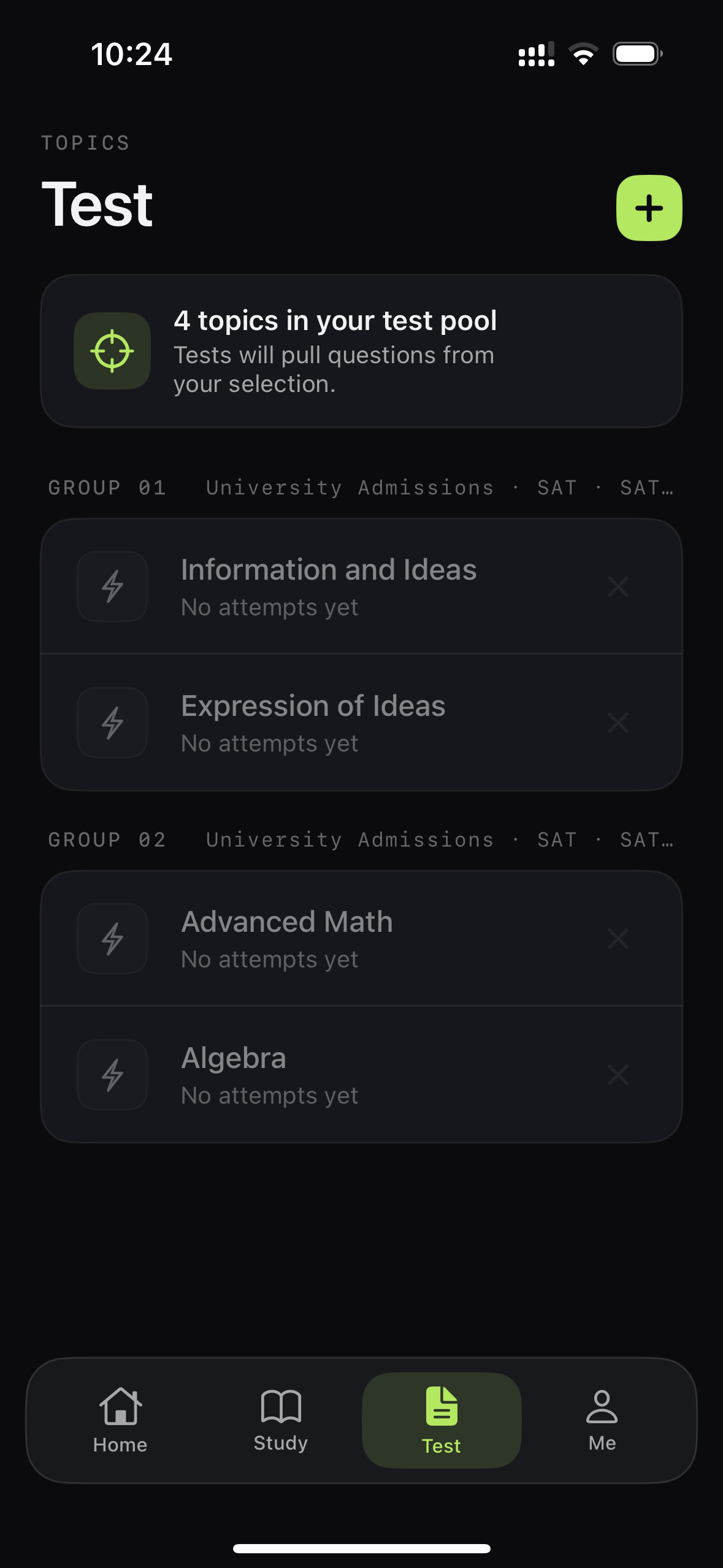
Customise a study session to fit your needs.
Choose what you're studying, how long you want to focus for, and how you want your session to work.
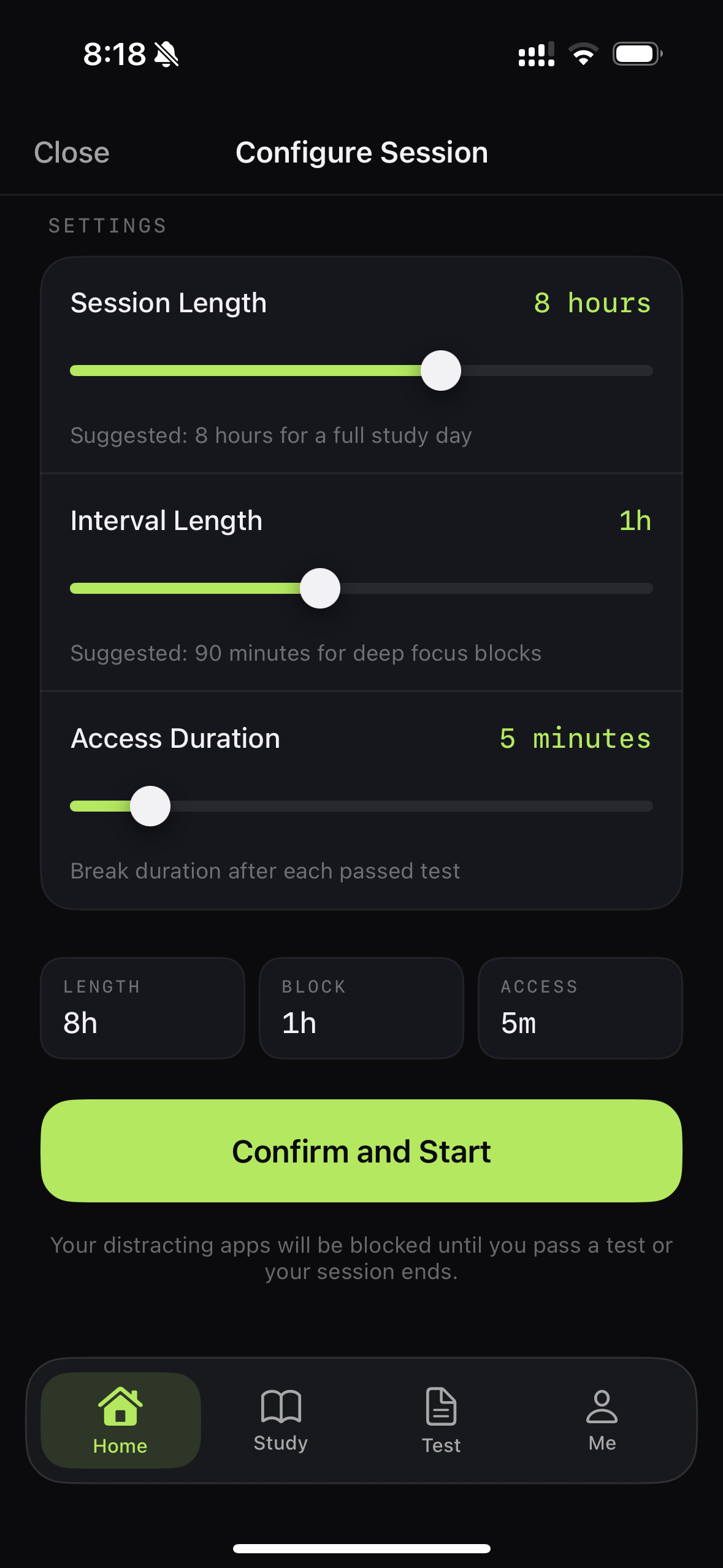
Make the system fit the study day in front of you.
Step 3
Actually do some studying.
This part is on you.
Your selected apps stay out of the way while you focus on the work in front of you.
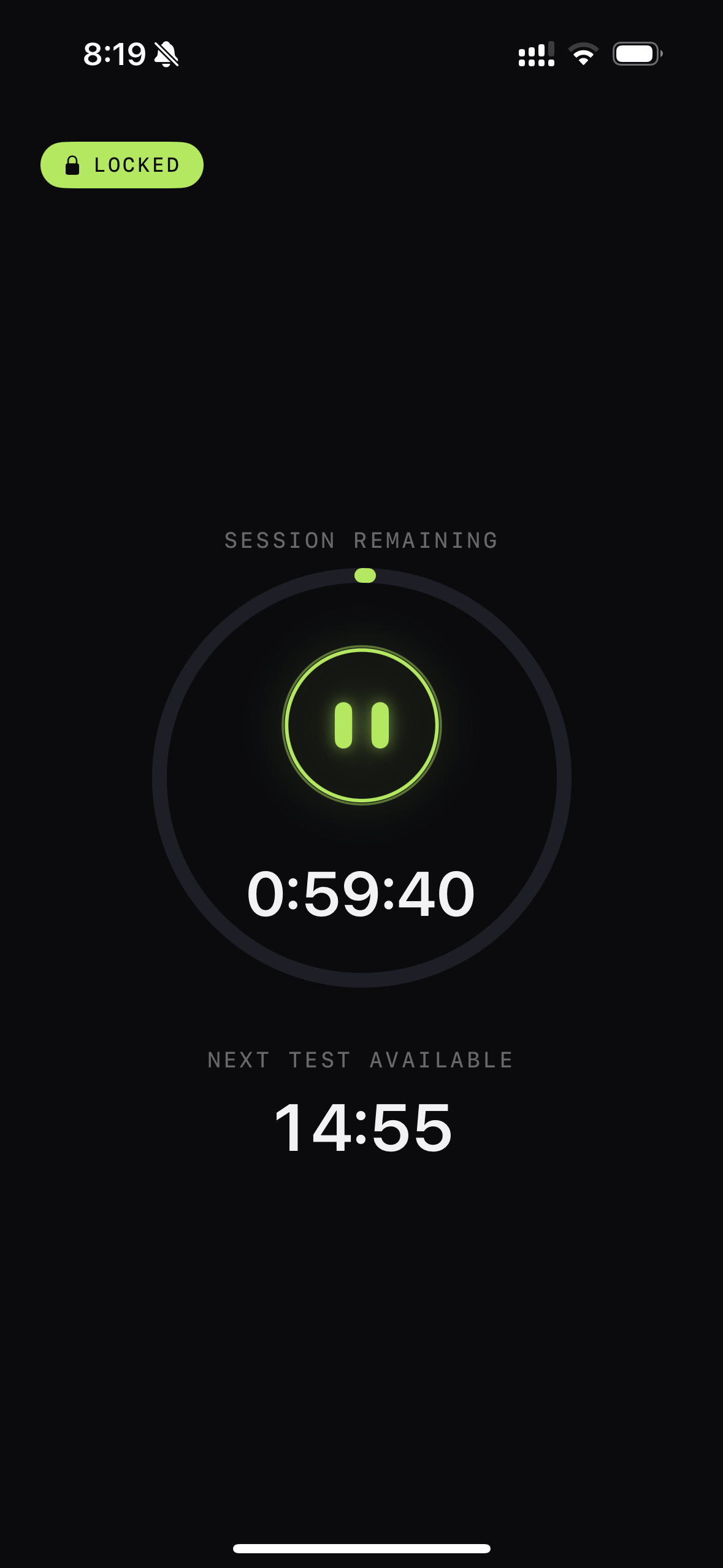
The shield stays quiet while you do the work. Step 4
Prove you've actually studied.
Answer questions from your real syllabus and see if you've earned access to your apps.
No Streaks. No boxes to unlock. And definitely no gems. Just a question with a right answer. Let's keep it simple.
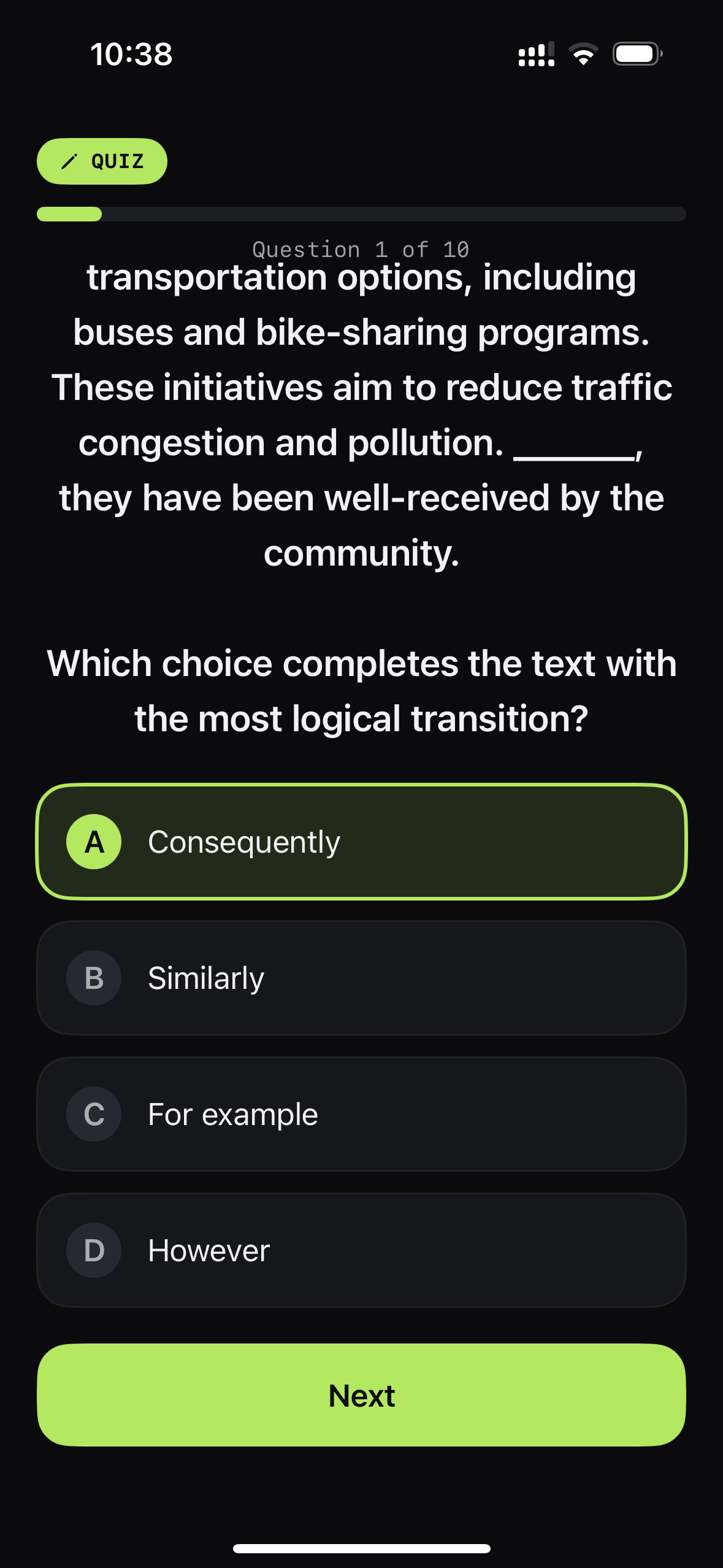
The quiz gate uses the material you're actually studying. Step 5
Pass? Enjoy your break.
Pass, and your apps open for a set window.
Pass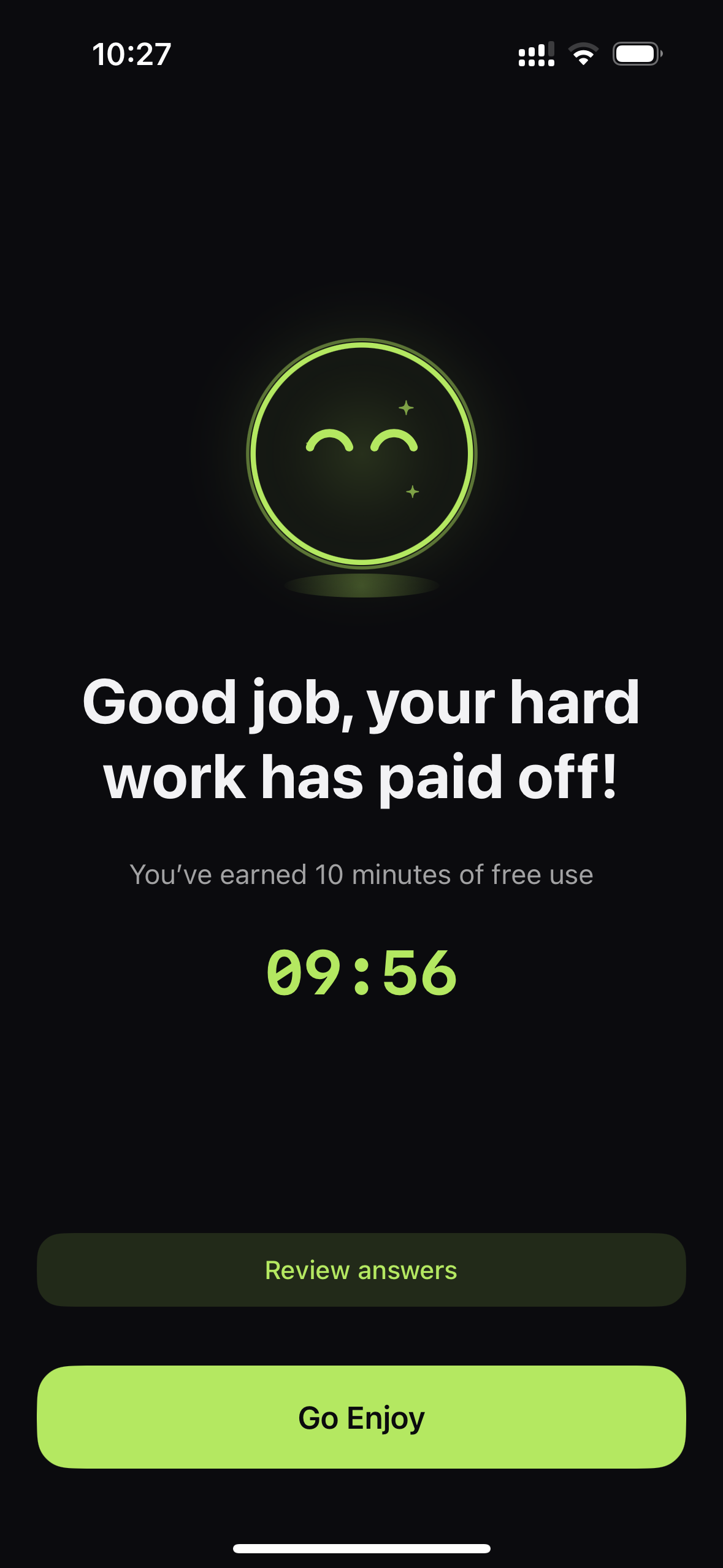
Your earned-access timer starts. Fail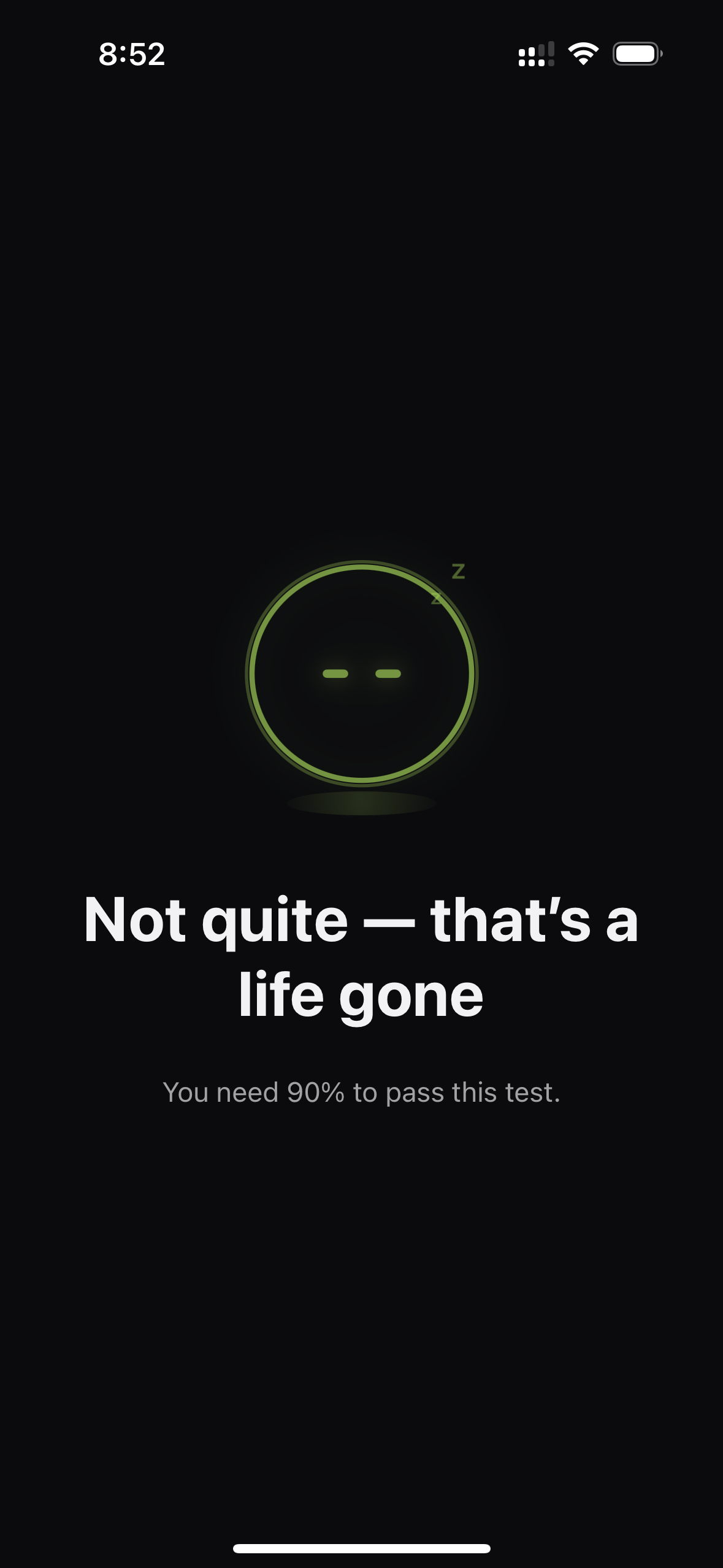
The shield stays up after a failed quiz. Fail? The shield stays up.
There's no negotiating here. A question doesn't care how tired you are or how much you think you deserve a break.
Step 6
Get back to studying.
Repeat the cycle and start building a healthier habit: study, prove it, take a break, then go again.

01Study 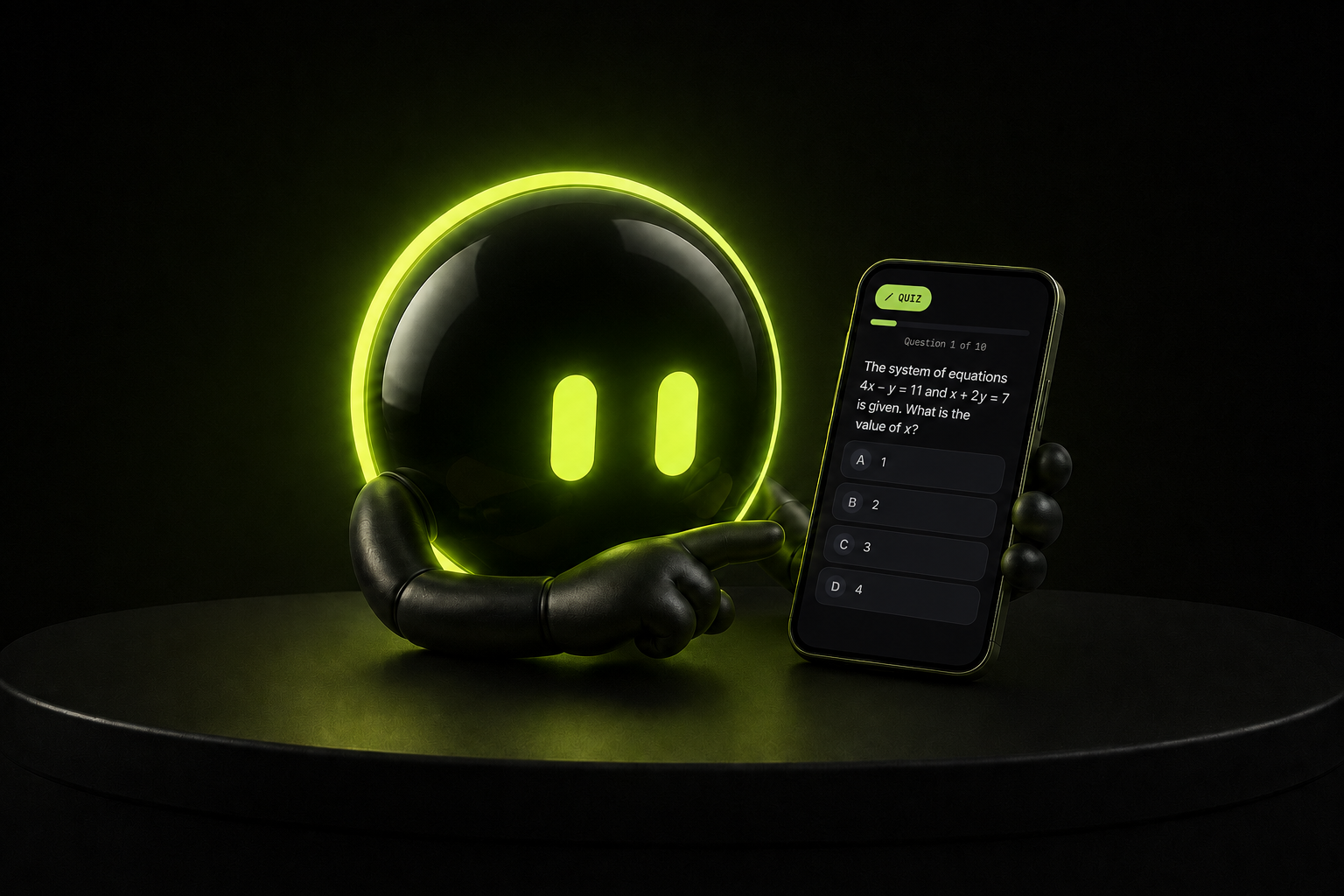
02Quiz 
03Screen time↺
Step 7
Ace your exam.
The goal was never to become better at blocking apps. The goal was to walk into your exam knowing you used your time well.
Step 8
Then delete StudyIn.
Seriously.
If the exam is over and you don't need us anymore, job done. Or keep StudyIn around for the next one.
Study, Quiz, Earn Screen Time
Ready to stop negotiating with your phone?
Get started with StudyIn: SAT/ACT App Blocker.
Download on the App Store